The Verified Turnover Record
Every unit, signed off on the proof.Item by item, with your PM’s decision and your client’s signature.
Each unit keeps its own record: a verdict on each checklist item, the photos behind anything that failed, the project manager’s decision, and the client’s approval. Your client reviews it in their portal and signs on screen.
Example of one item on a unit’s record. Countertops in the kitchen: the crew marks it can’t complete with the note “Scratches on surface near sink cutout” and one photo. After the fix the project manager marks it PM OK, the client approves it, and the client signs the unit off on screen.
How a unit’s record gets built.
Three people touch every unit: the crew, your project manager and your client. Each one adds to the same record.
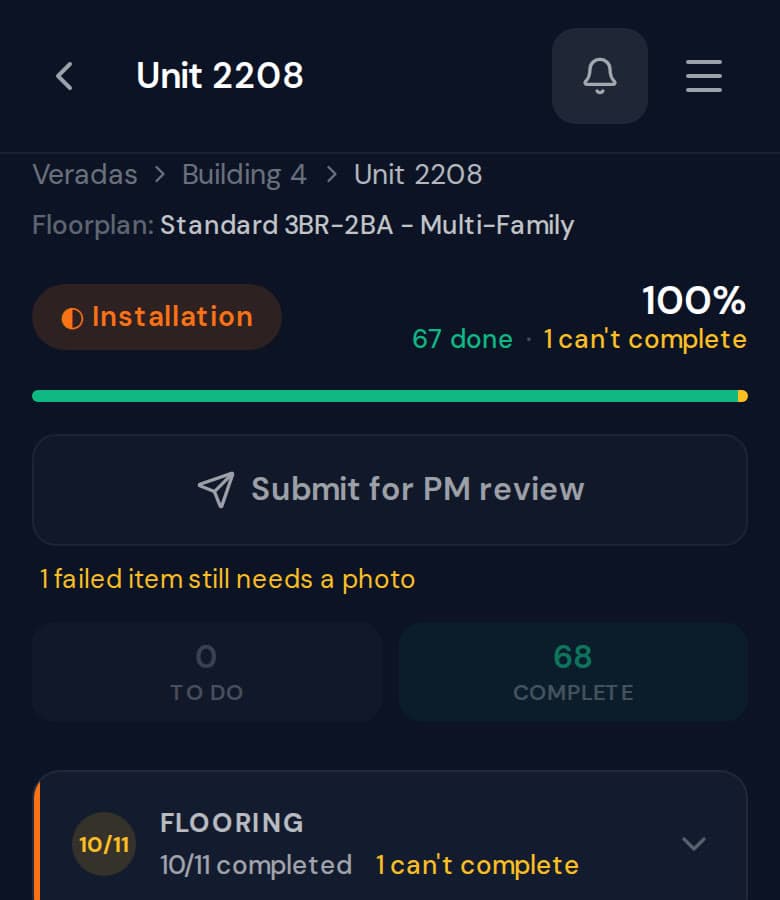
Step 1: The crew can’t skip the proof.
A failed item needs a photo. Until it has one, the unit can’t be sent to the project manager.
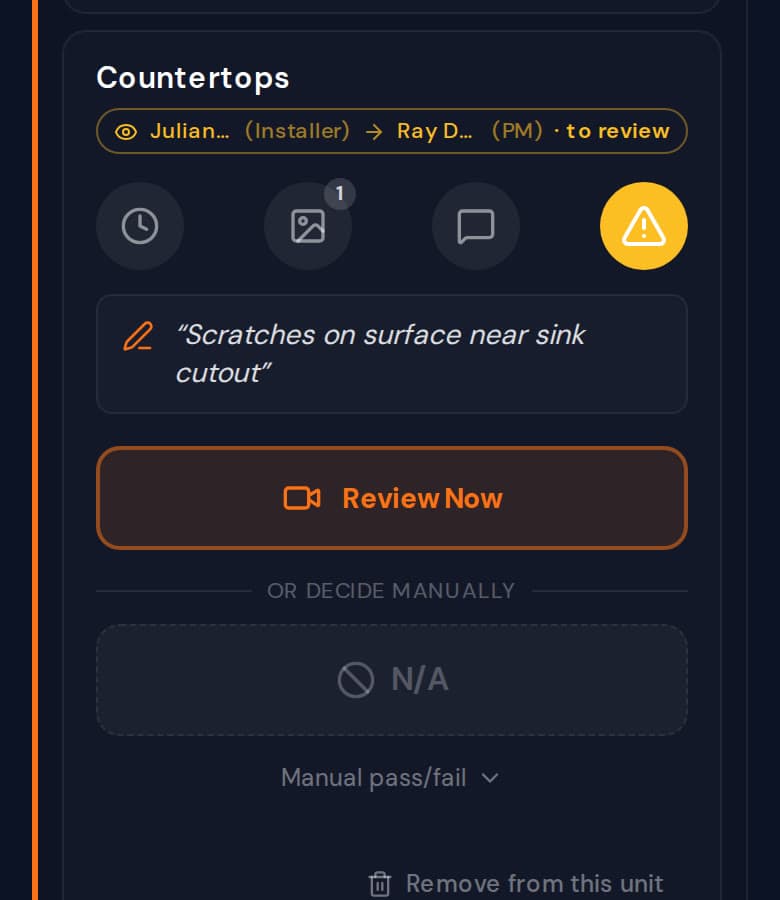
Step 2: The PM decides on every item.
The crew’s note and photo sit on the item. The PM passes it or sends it back, and every item gets the PM’s decision before the unit goes to the client.
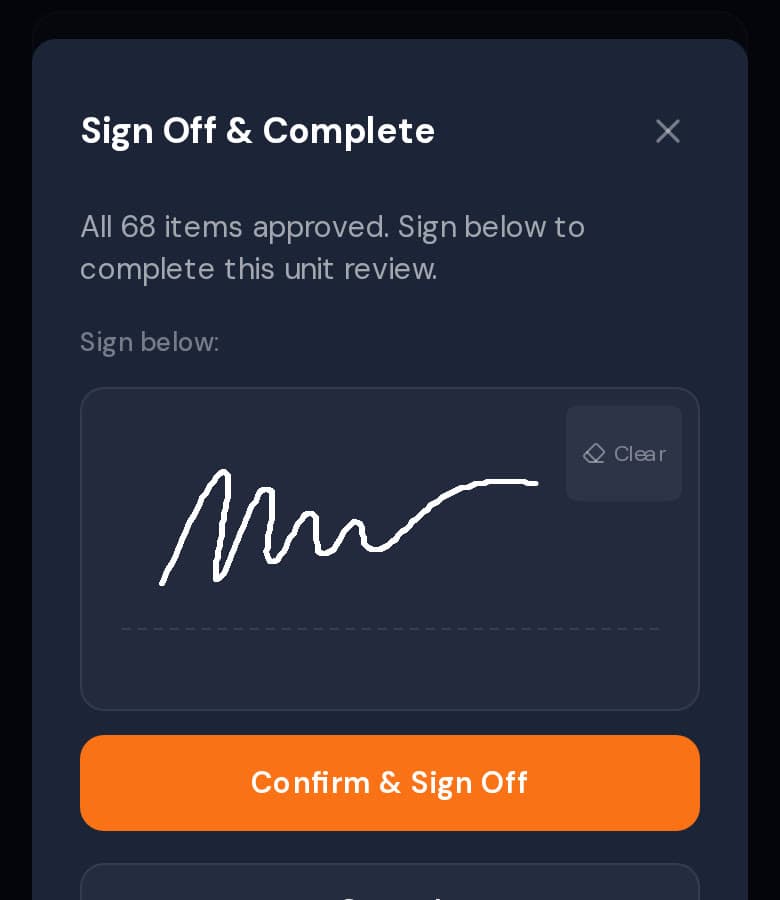
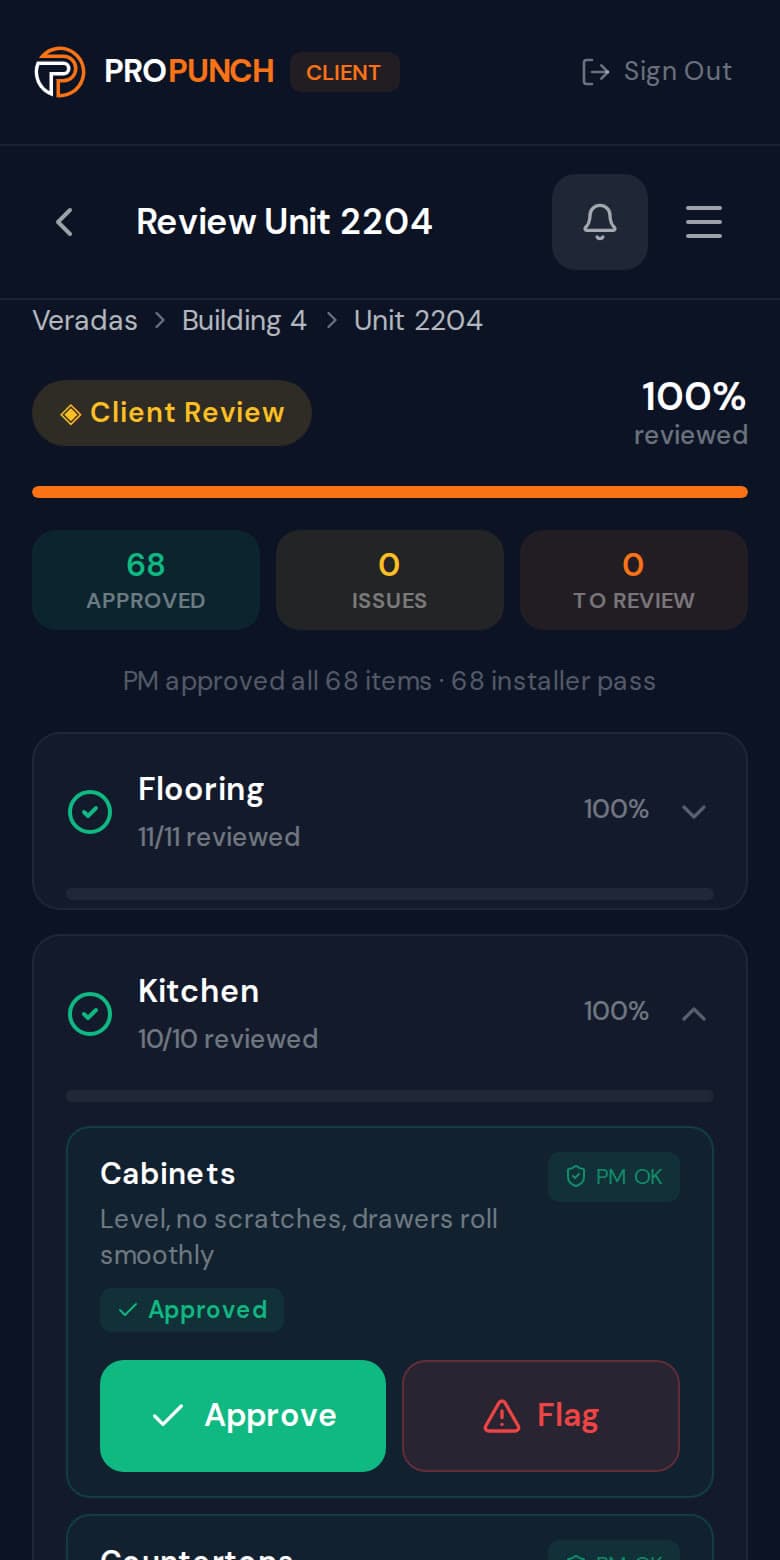
Step 3: The client signs on screen.
The client approves each item or flags it. With nothing left flagged or unreviewed, they sign with a finger and the unit is complete.
Sample project. Screens from the app.
Your client sees what was checked, and signs for it.
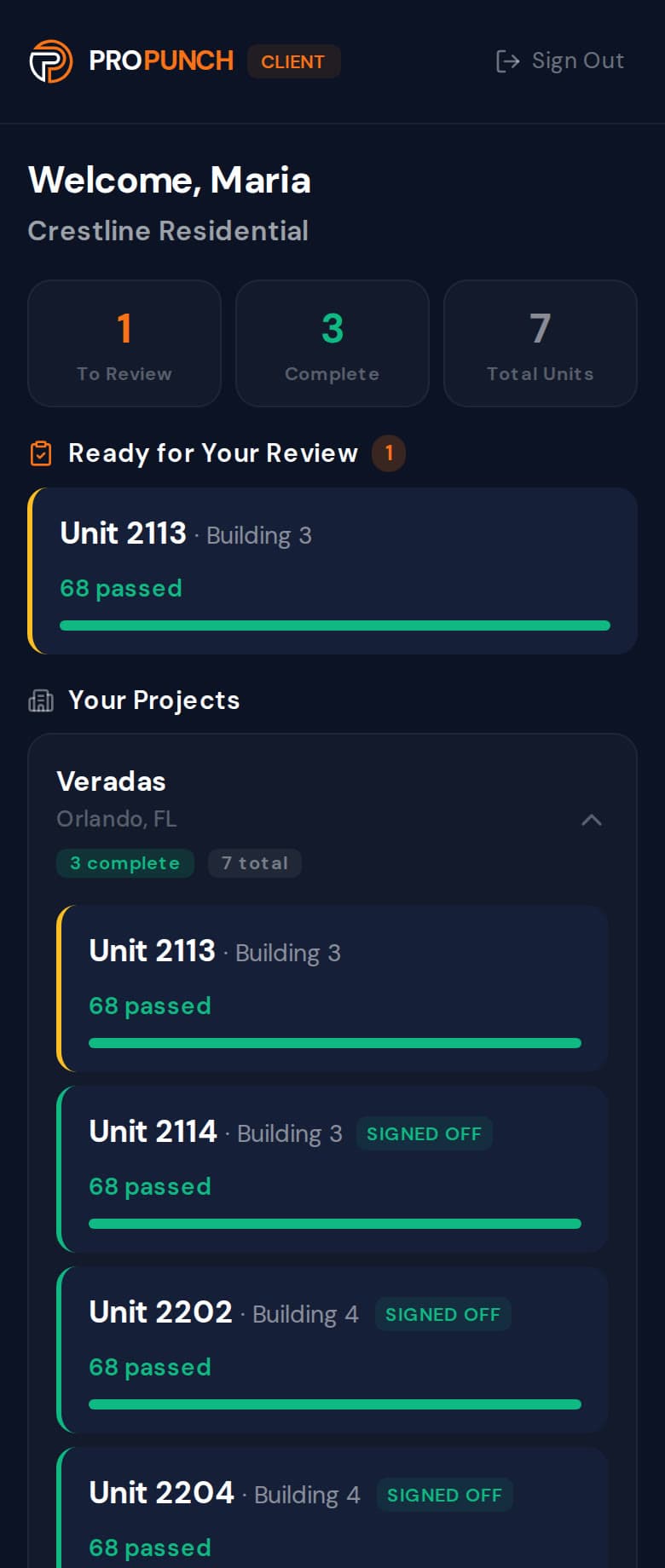
Clients get their own portal. A unit appears there after your project manager has decided on its items, and approved items are marked PM OK. Units the client has signed are marked Signed off.
- Approve or flag each item, with a note or a photo.
- Flagged items go back to your project manager.
- Viewers can flag; only the client’s project manager can sign.
What stays with the unit.
When a question comes up after turnover, the answer is on the unit, not in someone’s camera roll.
- A verdict on each item
- What the crew, the project manager and the client each decided, item by item.
- The photos behind each failure
- A failed item carries its photos and the crew’s note. When the unit is walked on video, the item keeps its moment in the video too.
- The dates
- When the crew finished, when the PM approved, when the client was asked to review, and when the unit was complete.
- The signature
- Who signed, when, and the signature itself, saved with the unit.
- A PDF for your client
- Download a client version of the report, without installer or PM names, with a signature block.
96.5%
of checklist items passed PM review on the first attempt, across 105 units reviewed.
1,500+
verified checkpoints on the record at our beta partner.
Measured at one beta partner (N=1 customer), a multifamily specialty contractor, from live production data, 26 Feb to 10 Jul 2026. Not a multi-customer benchmark.
How the first-pass rate is measured
Methodology: first-pass rate is computed from live production data at our beta partner, a multifamily specialty contractor (N=1 customer), over 26 Feb to 10 Jul 2026. Of 1,549 checklist items that received a project-manager review in that window, excluding items stamped for work completed before ProPunch was adopted, items force-passed and items marked not-applicable, 96.5% were approved on the first review with no rejection or rework, measured from each item’s recorded first-decision field. The figures span 105 reviewed units on one active multi-unit project; they reflect a single beta partner, not a multi-customer benchmark.
See it on your own project.
Thirty minutes. We walk a real unit, turn it into a punch list, and show you the record it leaves behind.
Prefer email? support@propunch.com