Construction Photo Documentation for Subcontractors
How flooring, cabinet, countertop, paint, and trim subs should photograph and video their work on multi-unit jobs, from first look to final hand-off.
Harry Gibson

Construction Photo Documentation for Subcontractors on Multi-Unit Jobs
You finish the flooring in Unit 214 on a Tuesday. It looks right, so you move on to 215. Three weeks later the GC's super walks 214 and finds a gouge across the planks near the kitchen. Who did it? The drywall touch-up crew, the appliance installers, a painter dragging a ladder, or your own guys? Nobody saw it happen, and everybody has a theory.
On one house, that's an annoying conversation. On a 200-unit job, it happens again and again. The finished work of one trade is the work surface of the next, and there are a lot of doors to keep track of. Without a record, the sub who finished first often ends up covering for the sub who finished last.
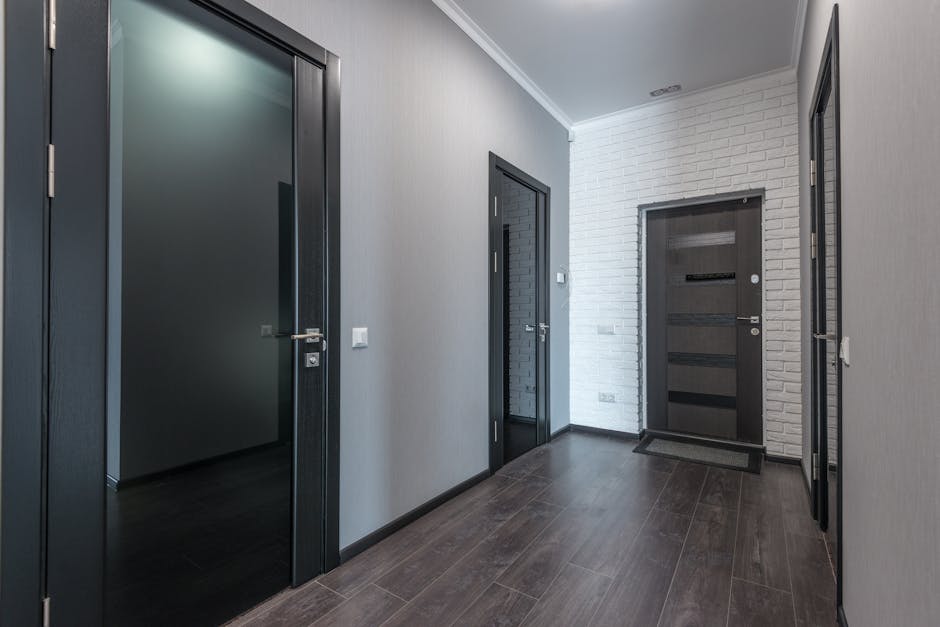 Photo by Max Vakhtbovych on Pexels
Photo documentation is how you change that. Not a thousand shots lost in a camera roll. A short, consistent record that shows what you did, what condition it was in when you left, and who accepted it.
This guide is for specialty subs: flooring, cabinets, countertops, paint, and finish carpentry. It covers when to shoot, what makes a photo useful, how to name and file it, how to protect yourself when another trade damages your work, and how to share records with the GC and owner. It also explains why a walkthrough video with a checklist beats a pile of pictures.
Why Jobsite Photos Go Missing When You Need Them
Most subs already take photos. The problem is what happens afterward. Units look alike, so a close-up of a scratch could be from any of forty kitchens. The photos live on one installer's phone, mixed in with family pictures. Nobody wrote down the unit, the room, or the stage of work. And the photo of the damage exists, but the photo showing the work was fine does not.
Fixing that comes down to habits. Shoot at set moments, shoot a certain way, name things the same way every time, and keep everything in one place.
When to Capture: Three Moments for Every Unit
Shoot at each of three moments on every unit, without exception. The routine matters more than the camera.
Before You Start
Walk the unit before you touch anything. You are recording the conditions you were handed.
- Surfaces you install over or against. Subfloor, slab, walls, rough openings, backing, and anything already damaged or out of tolerance.
- Obvious problems. Wet spots, uneven floors, out-of-plumb walls, missing blocking, openings that don't match the drawings.
- Your materials. Box labels, lot or dye numbers, and any shipping damage on cabinets, slabs, or flooring cartons before you open them.
- Other trades' work that touches yours. Drywall finish before paint, cabinet conditions before countertops, door and trim conditions before finish carpentry.
If the unit isn't ready, tell the super right away, in writing, with photos. Check what your contract says about starting over unacceptable conditions before you decide to proceed.
At Completion
Shoot before you pull your crew off the unit. Walk it the way a punch walk would: from the entry door, room by room.
- One wide shot of each room from the doorway
- Close-ups of the details that get called out later: seams, transitions, edges, corners, reveals, caulk lines, cuts around vents and fixtures
- Anything you couldn't fully correct, with a note about why
- The unit number, visible somewhere in the first shot of each room
At Hand-Off
Hand-off is when the unit moves to the next trade, to the GC, or to the owner. This is the photo that protects you most.
If time has passed since completion, shoot again, including any floor protection, cardboard on counters, or tape on cabinet doors. Then get the acceptance on record: the super's initials on a sheet, a text that says "Unit 214 accepted," or a sign-off in whatever system the job uses. A photo shows condition. Acceptance shows who agreed with it.
What Makes a Photo Useful Later
A photo is useful if a stranger can open it in six months and answer three questions: which unit and room is this, when was this taken, and what am I looking at?
Show Where It Is
Put the unit number in the picture. Write it on a piece of painter's tape, a small whiteboard, or the back of a business card, and include it in the first shot of every room. When the file name gets lost, the picture still says where it was taken.
Take the Pair: Wide, Then Tight
Every detail needs two shots:
- The context shot. Wide enough to show landmarks: the window, the sink, the door, the wall it's on.
- The close-up. Close enough to see the issue or the quality of the work, with a tape measure, a pencil, or a finger for scale if it helps.
A close-up alone doesn't say where. A wide shot alone doesn't show the detail. You need both.
Keep the Timestamp and the Light
Phones record the date and time inside the photo file. Keep the originals, and don't crop or edit the ones that matter. Some messaging apps shrink photos and strip that information, so the original in your folder is your real record. Turn the lights on, too. Light coming along a floor, countertop, or painted wall shows flaws that flat light hides.
A Starter List by Trade
Use this as a base and adjust it to your scope and specs.
- Flooring: transitions at doorways, edges against walls and toe kicks, seams, cuts at vents, surface clean-up, any lippage or scratches
- Cabinets: door and drawer alignment and reveals, hardware, scribes at walls, toe kicks, interior of boxes, any chips or touch-ups
- Countertops: seams, edge profile, overhangs, sink cutout, backsplash joints, caulk lines, chips, surface condition
- Paint: cut lines at ceilings and trim, corners, touch-up areas, sheen consistency, switch plates and outlets
- Finish carpentry: miters and joints, nail holes, caulk, door swing and latch, base and casing at corners
Naming and Organizing Photos by Unit and Room
The best filing system is the one your whole crew uses on every unit.
 Photo by Jakub Zerdzicki on Pexels
One Naming Pattern
Pick a pattern and have every installer use it. Something like this:
Building-Unit-Room-Trade-Stage-Number
B2-214-kitchen-flooring-complete-03.jpg
B2-214-kitchen-flooring-damage-01.jpg
A few rules that save headaches:
- Use the same stage words every time: before, complete, handoff, damage.
- Put the date in the folder name, written year-month-day, so folders sort in order.
- No spaces, no nicknames, no "IMG_4471".
One Folder Structure, Uploaded Daily
Mirror how the building is laid out: project, building, floor, unit, room. A photo that's only on a phone is one cracked screen away from gone, so have crews upload at the end of each shift.
Then run the sixty-second test. Pick a unit at random and ask someone who wasn't on the job to find the completion photos of its kitchen. If they can do it in about a minute, your system works.
Protecting Yourself When Other Trades Damage Finished Work
On a multi-unit job, damage is going to happen. Floors get scratched, countertops get chipped, painted walls get scuffed by carts. Your records can't stop that, but they show what condition your work was in when you left it.
Here is a routine to follow.
- Photograph at hand-off. This is your baseline: wide shots and close-ups, with the unit number and a timestamp.
- Protect what you finished, and photograph the protection. Floor covering, cardboard on counters, corner guards, film on cabinets. If it's later torn up, you can show it was there.
- When you find damage, shoot it first. Before anyone cleans up or repairs anything, take a wide shot and a close-up with the unit number in frame.
- Report it quickly, in writing. Send the photos to the super by text or email with the unit, room, and what you see. Stick to the facts: "Unit 214 kitchen, scratch across the planks near the sink. Completion photos of this floor are attached, plus today's photos of the damage."
- Compare the timeline. Your completion photo has a date. The damage photo has a date. The GC's schedule shows which trades were in that unit in between. You don't need to accuse anyone. The record narrows it down.
- Check the contract before you repair on your own. Many contracts spell out how damage by others is reported, who fixes it, and who pays. Fixing it quietly can leave you with the cost and no paper trail.
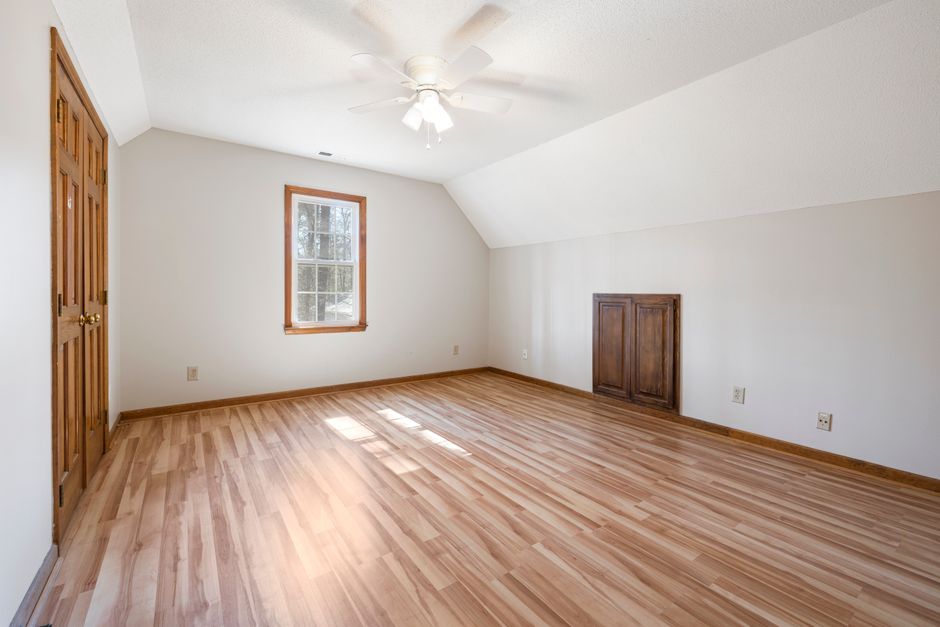 Photo by Curtis Adams on Pexels
One honest limit: a photo record doesn't decide who pays. Your contract does that, and this article isn't legal advice. What a record does is replace "I think it was fine when we left" with "here is what it looked like on this day."
Sharing Records With the GC and Owner
A great set of photos does nothing if nobody can find it.
Send It by Unit
The GC thinks in units, floors, and buildings, not crew members or phone numbers. Send records organized the way the job is organized: one folder per unit, or one batch per building per week. Four hundred separate texts is not a record.
Send the completion record when you ask for a unit to be accepted. If your contract ties billing to completed units, attaching the record to that request gives the GC what they need to approve it. Check your contract for how acceptance and billing are supposed to work, and follow that process.
Give the Owner a Simple View
Owners and their reps usually want to know which units are done, which have open items, and who signed off. They don't want 40 photos per unit. Give them a status they can read in a minute, and keep the full photo set available if they ask. A client portal that shows unit status and sign-off in one place, like the ProPunch client portal, is built for that.
Keep Your Own Copy
Whatever you send, keep the originals. Project teams turn over, and the person who knew where the records were may be gone by warranty time. Check your contract for how long records must be kept.
On senior living and occupied apartment turns, keep residents and their belongings out of the frame, and don't post jobsite photos on social media.
Why a Walkthrough Video Plus a Checklist Beats a Camera Roll
Photos are good at one thing: showing a specific detail clearly. They are poor at showing that you checked everything.
A camera roll shows only what the person chose to shoot, and a missing photo proves nothing either way. Photos from three units and two days get mixed together. Nothing says whether an item passed or needed work. And nobody wants to flip through 300 images.
What Video Adds
A walkthrough video is one continuous take, door to door. You can't skip a room without it being obvious, and the layout shows that this room really is this unit's kitchen. The date and time run unbroken from start to finish, which makes it harder to question.
A few habits make video far more useful. Say the unit number out loud at the start, and name each room as you enter it. Move slowly along floors, countertops, and trim. Open every door, drawer, and cabinet box. Hold the phone sideways. If you see something you can't fix, say what it is, then shoot a close-up still.
What a Checklist Adds
Video shows condition. A checklist shows what was checked and what was decided. It forces the same items on every unit, so you don't miss the transition strip in the second bathroom because you're tired on a Friday. It also gives each item a verdict, pass or needs work, which turns a general "it looked fine" into a record of what you looked at and what you decided.
Put Them Together
Use video to show the whole unit, a checklist to record the verdicts, and photos for details like a seam up close or a damage spot.
That is how ProPunch works. A walkthrough video is recorded with the checklist overlaid on it. Each item gets a pass or fail, photos attach to the items that need them, and the client signs off. It works offline, which matters in stairwells, basements, and new buildings where the signal is poor, and syncs when you're back in coverage. The result is a Verified Turnover Record for each door.
You can do much of this by hand with a phone, a shared folder, and a printed checklist. The goal is the same either way: one record per unit that anyone can open and understand.
FAQ
How many photos should I take per unit?
There's no magic number. A good minimum is one wide shot of each room you worked in, plus close-ups of the details that matter for your trade, like seams, transitions, and edges. A repeatable routine on every unit beats a huge pile on some units and almost nothing on others.
Do I need permission to photograph the work?
Photographing your own work is common, but some owners and sites have rules, especially in occupied buildings like senior living. Check your contract and ask the super before you start.
How long should I keep the photos and videos?
Keep them at least as long as your warranty period, and longer if your contract says so. Contracts differ on warranty length and record-keeping, so look at yours.
What if I find damage and I never photographed the finished work?
Photograph the damage now, with a wide shot and a close-up, and tell the super in writing. Be honest about what you do and don't have, and never change dates or edit photos to look earlier. Without a completion photo your position is weaker, but a prompt, factual report beats silence. From the next unit on, shoot at completion and hand-off.
Is a video enough, or do I still need photos?
Use both. Video shows the whole unit in order and is hard to question. Photos give a clear, close look at details like a seam or a chipped edge. A checklist ties them together by recording what was checked and the result.
Make the Record Part of the Job
Photo documentation only works if it happens on every unit, the same way, whether or not anything goes wrong. Start with three moments, the pair of shots, one naming pattern, and a short checklist. If you want the walkthrough, checklist, photos, and sign-off for each door kept together in one place instead of in a camera roll, see ProPunch pricing.