Switch the language
Change ProPunch between English and Spanish from your profile, and record a walkthrough in Spanish. The choice stays on your account.
Read the transcript
The narration, word for word.
How to switch ProPunch between English and Spanish, and record a walkthrough in Spanish.
Open the menu and choose Profile.
Under Language, tap Español. The screen changes at once.
Open your unit again. The checklist, the buttons and the status labels are now in Spanish.
Tap Grabar recorrido, choose Cocina, and start recording. Say each item in Spanish, then pasa or falla.
When the results come in, each item shows your words, as you said them, with the status in Spanish.
To switch back, open Profile and tap English. The choice is saved on your account, so it is there the next time you sign in.
That is how your crew works in the language they prefer.
Watch next
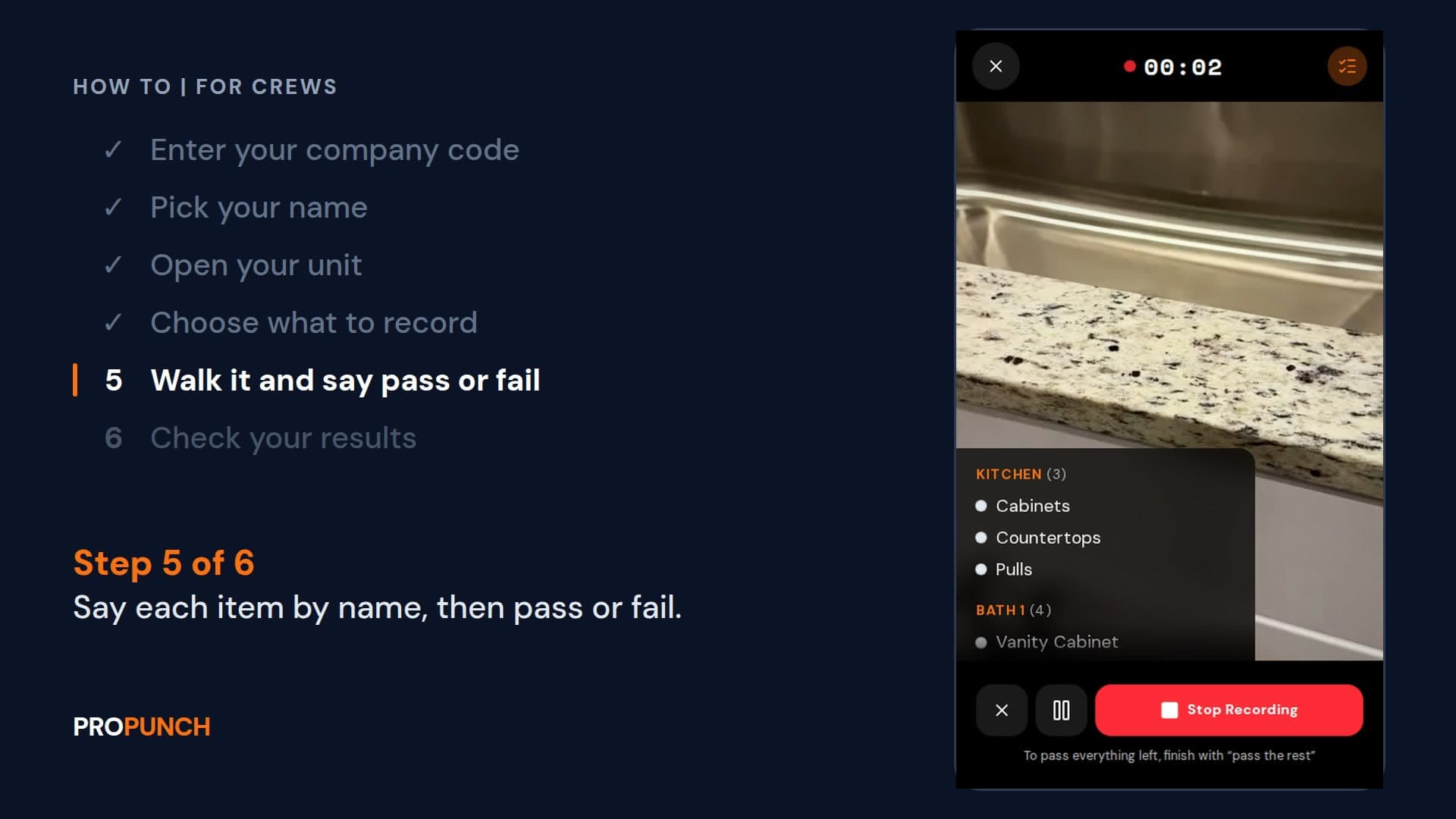
Walk a unit and record it (1 minute 28 seconds)
Sign in with your company code, open your unit, and walk it saying each item and pass or fail. Your results go to the PM.
EnglishVer en español
Looking at ProPunch for your own projects? Schedule a demo