Walk a unit and record it
Sign in with your company code, open your unit, and walk it saying each item and pass or fail. Your results go to the PM.
Read the transcript
The narration, word for word.
How to walk a unit and record it, in six steps.
Open the crew link your company shared. Type your company code, then tap Continue.
First time here? Tap I'm new, type your first and last name, and continue. After that, your name will be on the list.
Your units are under Work. Open the project, then the building, then your unit.
Tap Record walkthrough. Choose one area, or select all to record the whole unit.
Tap Start Recording. Walk the unit and say each item by name, then pass or fail. If something fails, say what is wrong. Tap Stop when you are done.
Give it a moment while the walkthrough is processed. Then every item shows your words, marked Submitted to PM. Anything you called a fail is listed with what you said.
That is a walkthrough. Your PM reviews it from here.
Watch next
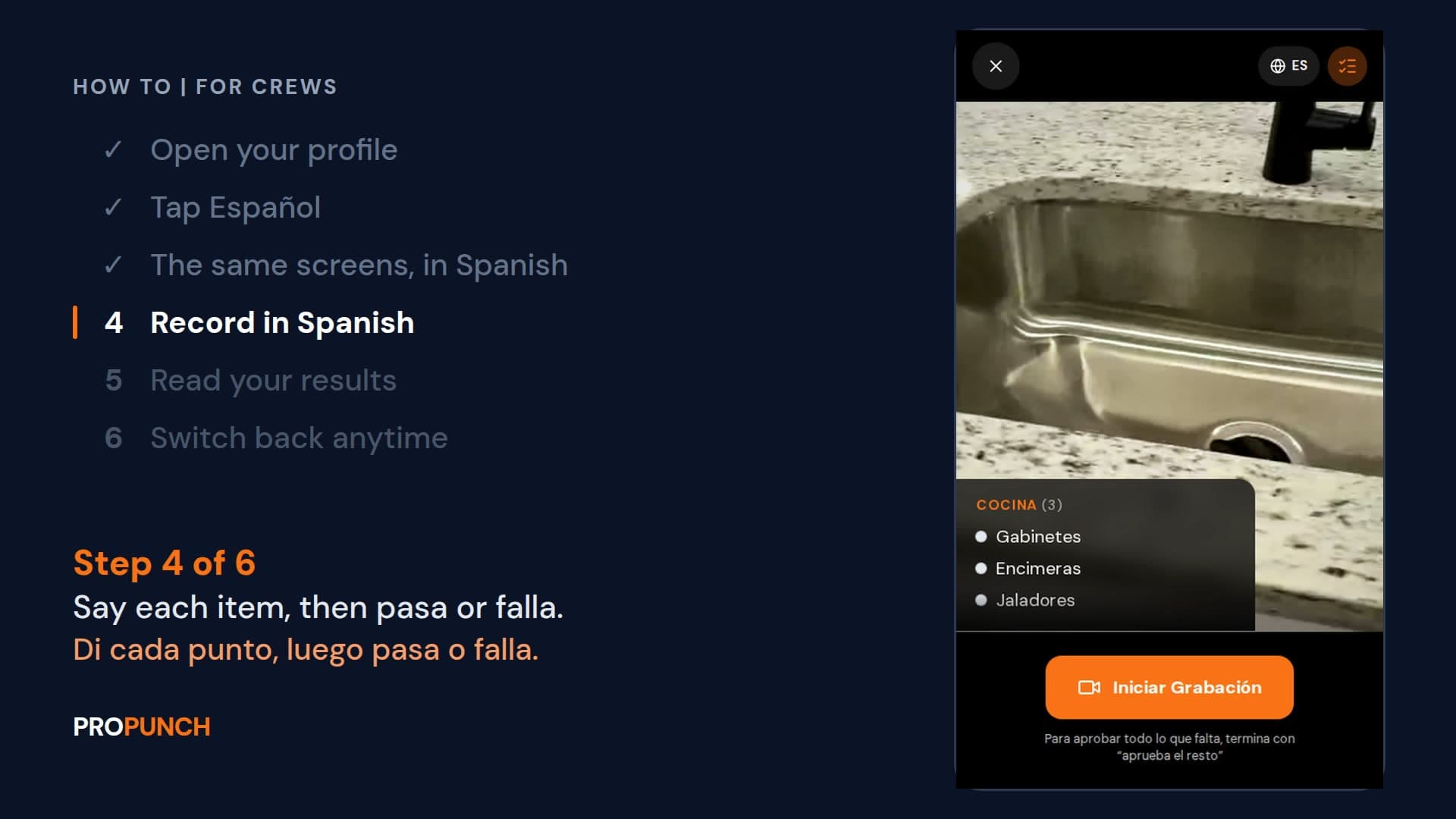
Switch the language (1 minute 3 seconds)
Change ProPunch between English and Spanish from your profile, and record a walkthrough in Spanish. The choice stays on your account.
English
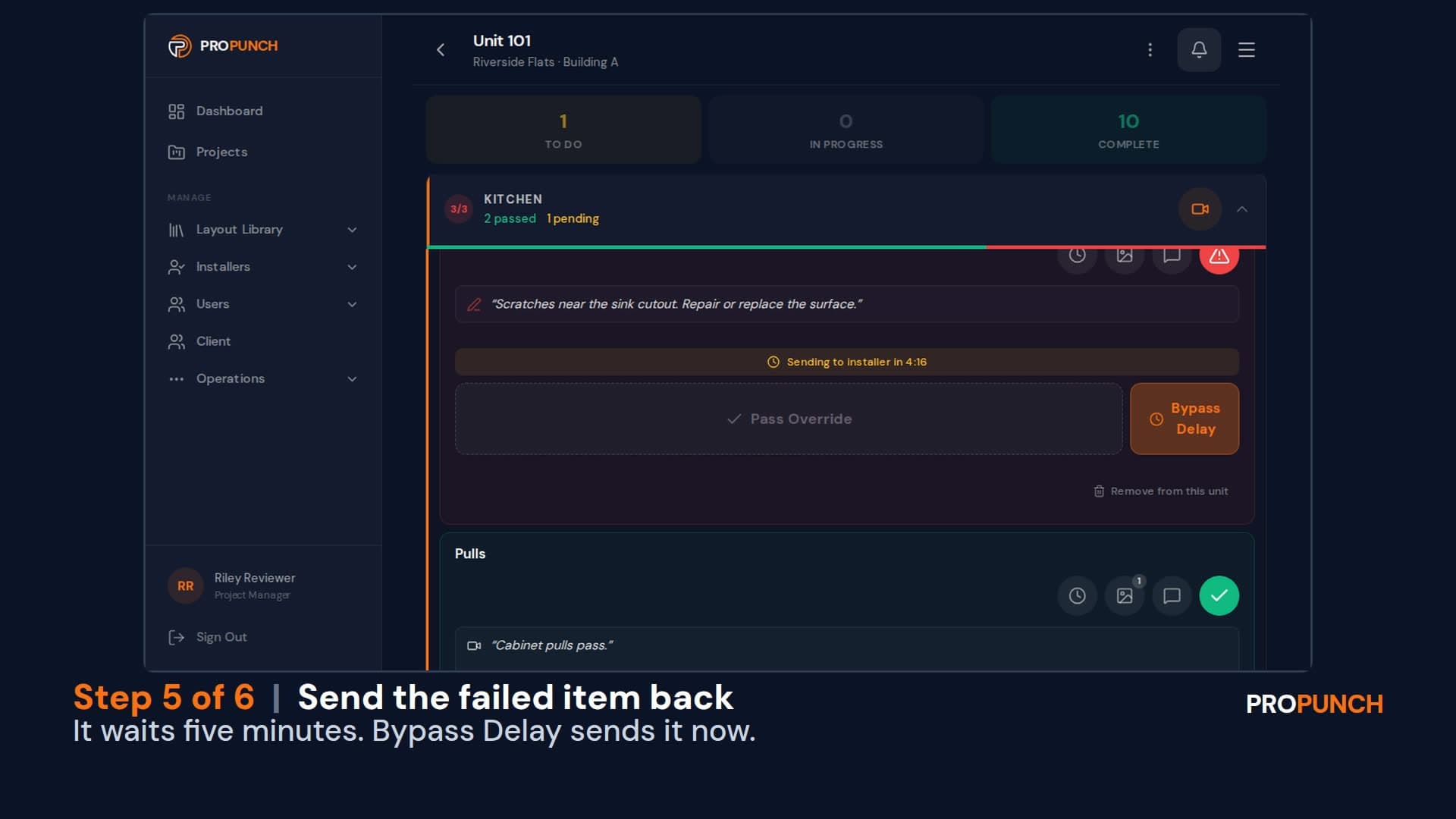
Review a unit and send back what fails (1 minute 25 seconds)
Read what the crew said on each item, pass or fail it, and send a failed item back to the crew with what needs fixing.
English
Looking at ProPunch for your own projects? Schedule a demo