Add your people
Invite a project manager and set what they can see, add an installer company, and share its crew code with the crew.
Read the transcript
The narration, word for word.
How to add your people: a project manager, and an installer company with its crew code.
Open Users and Roles, and tap the plus button to invite someone.
Type the person's name and email, and choose their role. Send Invite creates the account and emails a welcome message, with a link to set a password.
Open the new user to change their role. You can limit a project manager to the projects they are assigned to, and switch single permissions on or off. A changed permission is marked Custom.
Installers join through their company. Open Installers, then Companies, and add the company with its owner's name and email. The owner gets a welcome email, and the company gets a crew code.
Tap Share code to see the crew code. Email it to the lead, or share it another way. Their crew opens propunch dot com slash go, types the code, and taps their name. Rotate the code when someone leaves.
That is how your team gets access.
Watch next
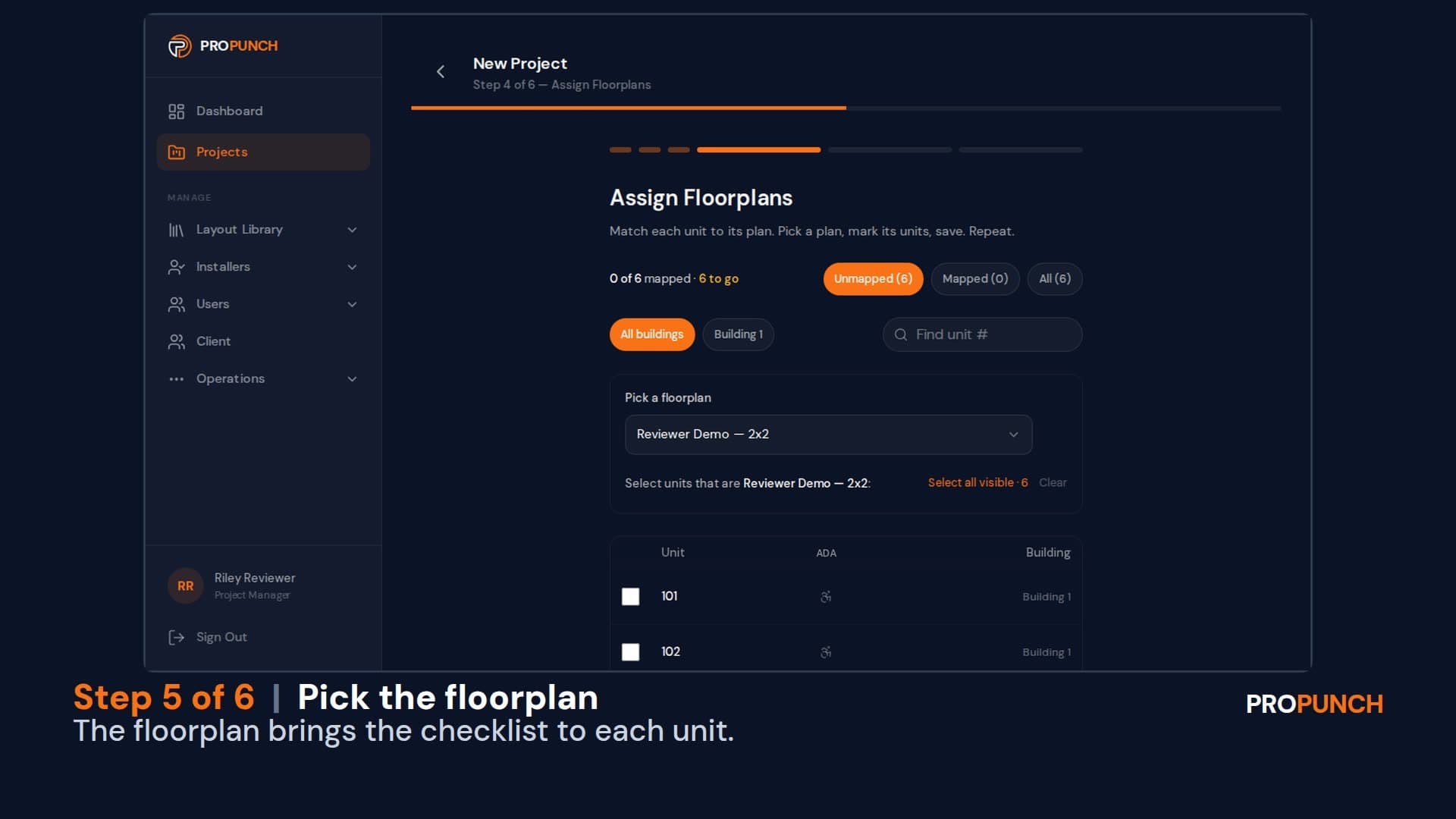
Build a project (1 minute 34 seconds)
Create a project with its buildings and units, assign installer companies by trade, and start every unit from a checklist.
English
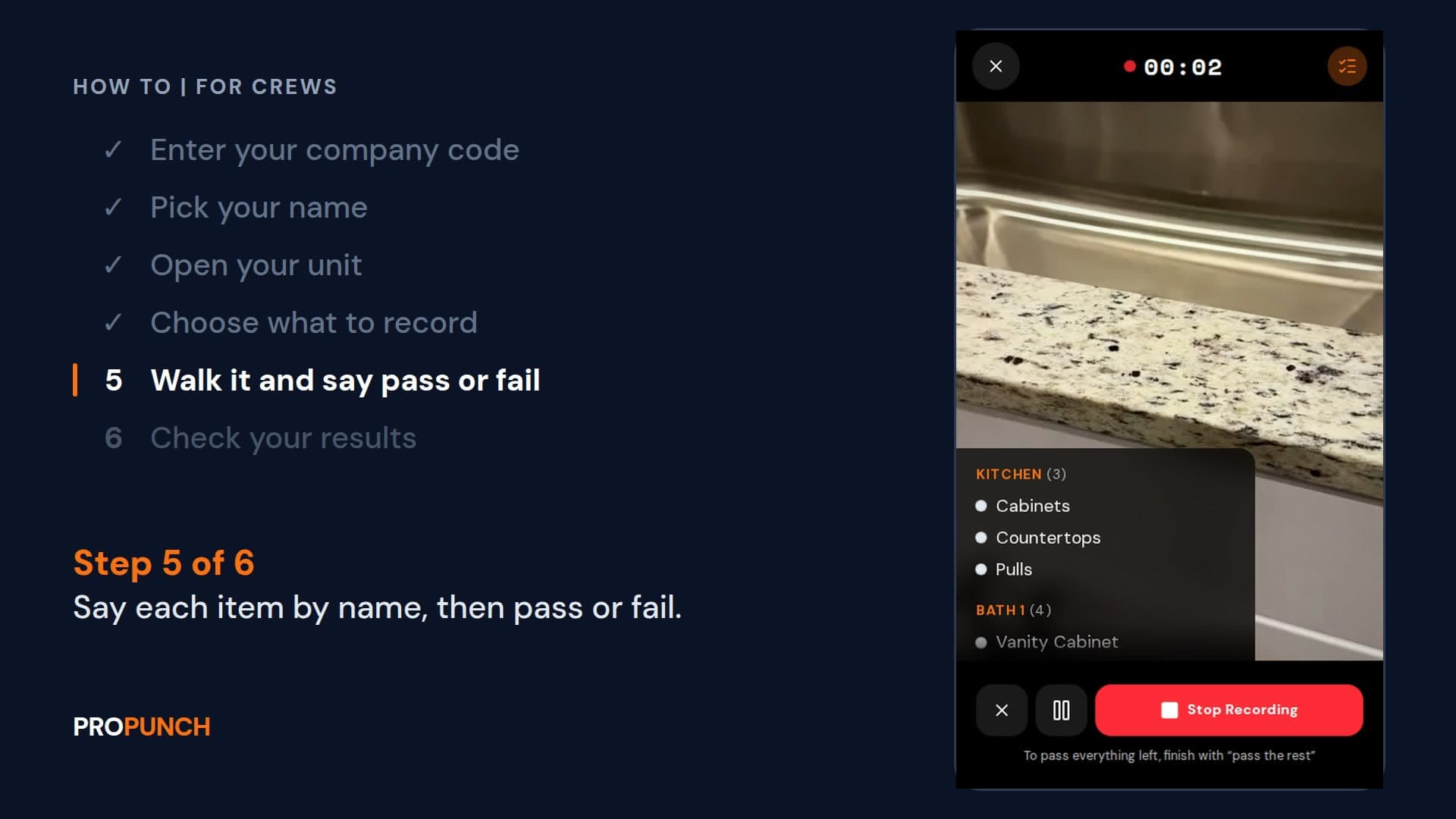
Walk a unit and record it (1 minute 28 seconds)
Sign in with your company code, open your unit, and walk it saying each item and pass or fail. Your results go to the PM.
EnglishVer en español
Looking at ProPunch for your own projects? Schedule a demo