Review a unit and send back what fails
Read what the crew said on each item, pass or fail it, and send a failed item back to the crew with what needs fixing.
Read the transcript
The narration, word for word.
How a PM reviews a unit the crew has walked, and sends back what fails.
Start on your dashboard. Tap the units that need your review, open Waiting on PM, and choose the unit.
Each item shows what the crew said on their walkthrough. Read it, then decide.
Open Manual pass or fail. Tap Pass when the item is right. Tap Fail when it is not, and write what needs fixing.
Work through every area the same way. Open the area, then pass or fail each item.
A failed item waits five minutes before it goes to the crew, so you can change your mind. To send it now, tap Bypass Delay.
When every item passes, Approve for Client appears at the bottom. Tap it to send the unit on to the client.
That is a review. Every item is on the record.
Watch next
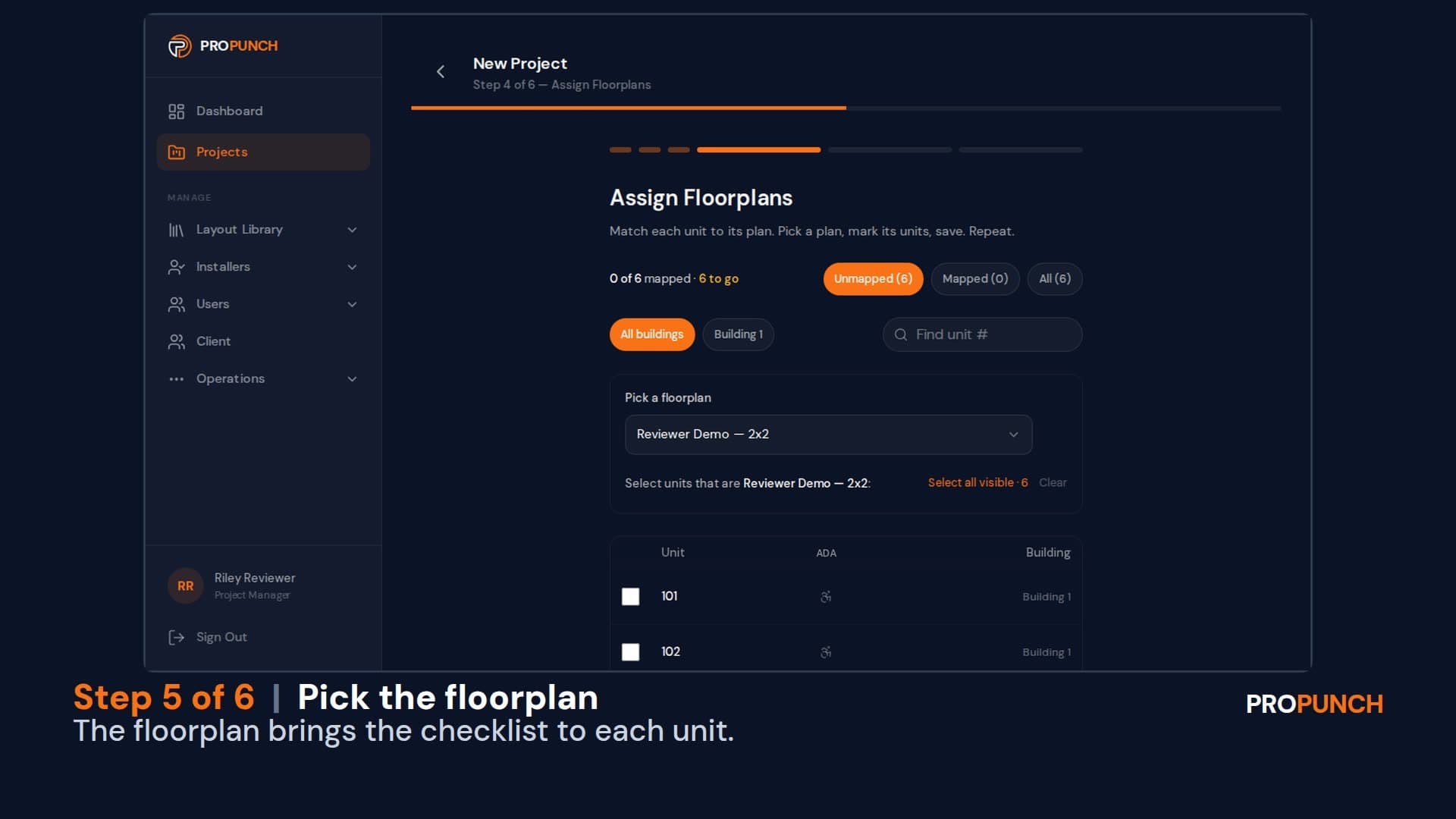
Build a project (1 minute 34 seconds)
Create a project with its buildings and units, assign installer companies by trade, and start every unit from a checklist.
English
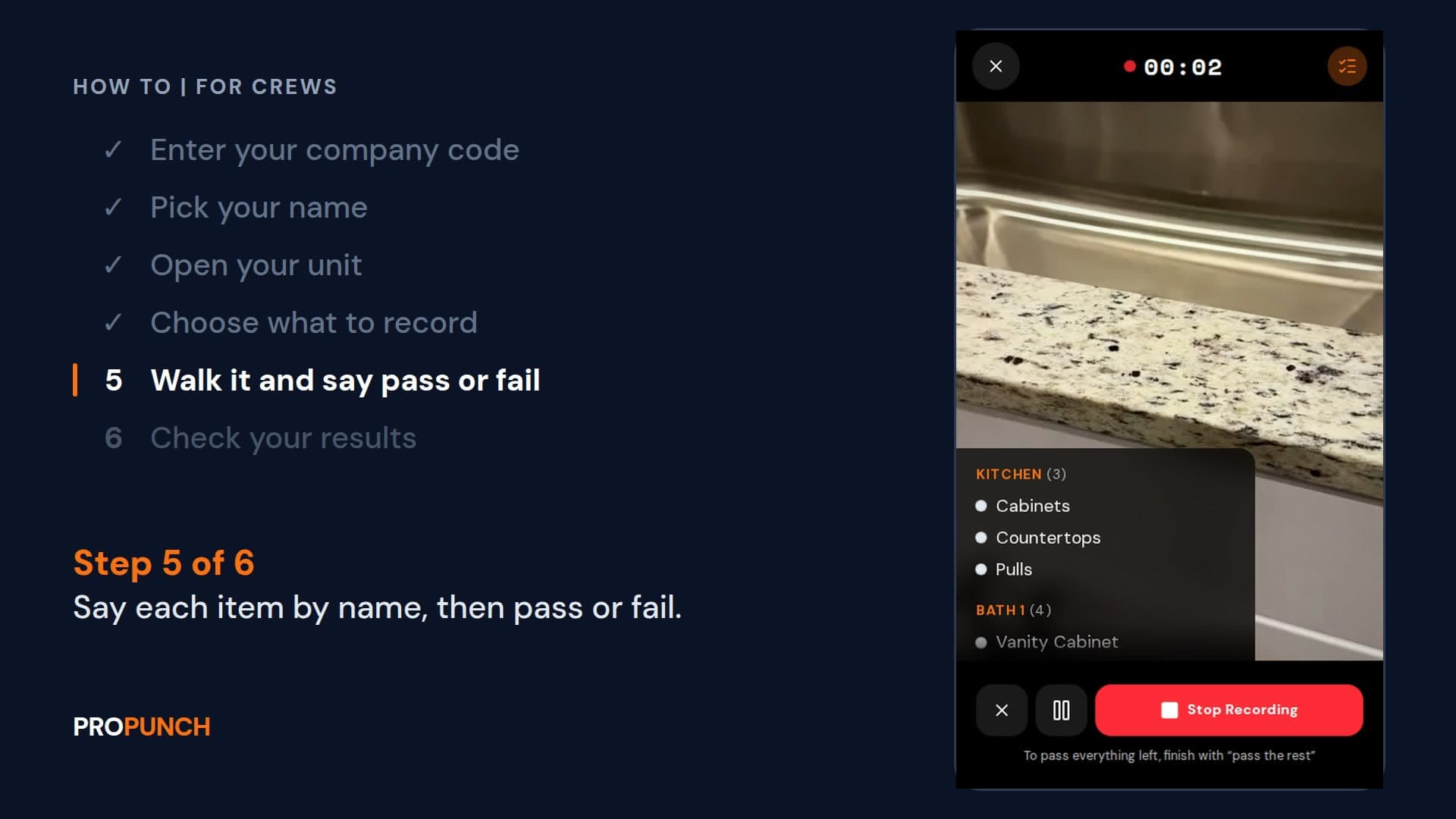
Walk a unit and record it (1 minute 28 seconds)
Sign in with your company code, open your unit, and walk it saying each item and pass or fail. Your results go to the PM.
EnglishVer en español
Looking at ProPunch for your own projects? Schedule a demo